Software
API Version:
Engine Version:
Driver Release:
Firmware Version:
IQA:
Scanner
Device Type:
Serial Number:
ID Card Serial Number:
Ultrasonic:
Feeder Limit:
Maximum DPM:
Pocket Count:
SD:
Mag Card:
Imaging
Front Image:
Front Image Color:
Front Image Dropout:
Rear Image:
Rear Image Color:
Rear Image Dropout:
Statistics
Operating Time:
Front Image Count:
Rear Image Count:
Processed Documents:
Number of Jams:
MICR Capabilities
MICR Auto:
MICR CMC7:
MICR E13B:
OCR Capabilities
OCR AB:
OCR Barcode 1D:
OCR Barcode 2D:
OCR MICR:
Printing
Inkjet:
Inkjet Graphic:
Inkjet Multiline:
Inkjet Lines:
Smart Jet:
If you do not see your configuration, click here to get it.
My Cart
(0)
|
Log In
|
Register
|
>Home
>Tools
>Warranty Registration
>Help Desk
Configuration  
Upgrade Scanner
Scanner Cleaning
Submit A Problem Ticket
RMA
Panini Driver Policy
Supplies
Upgrades
Maintenance
Cleaning Supplies
Printing Supplies
Product Accessories
Request a Quote!
Looking for scanner drivers?
Configuration Available
You can now view your configuration at anytime during your session by clicking on "My Configuration" at the top of the page.
Please select the color of your scanner below.
Scanner Color:
--Select Scanner Color--
Black
White
Scanner Cleaning
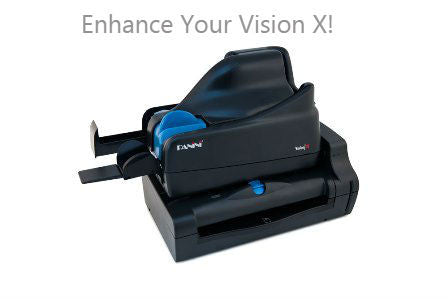
Welcome to the Vision X cleaning procedure. This process will guide you through properly cleaning your Vision X scanner.
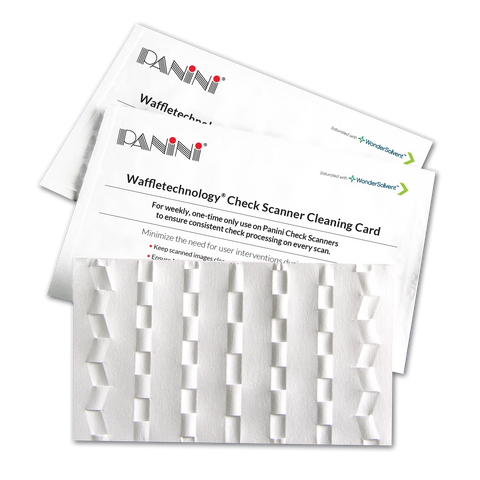
You will need your cleaning card as well as a lint-free cloth and distilled water if you have an inkjet cartridge installed.
Click the 'Continue' button below to move to the next step.
Need help installing the control?